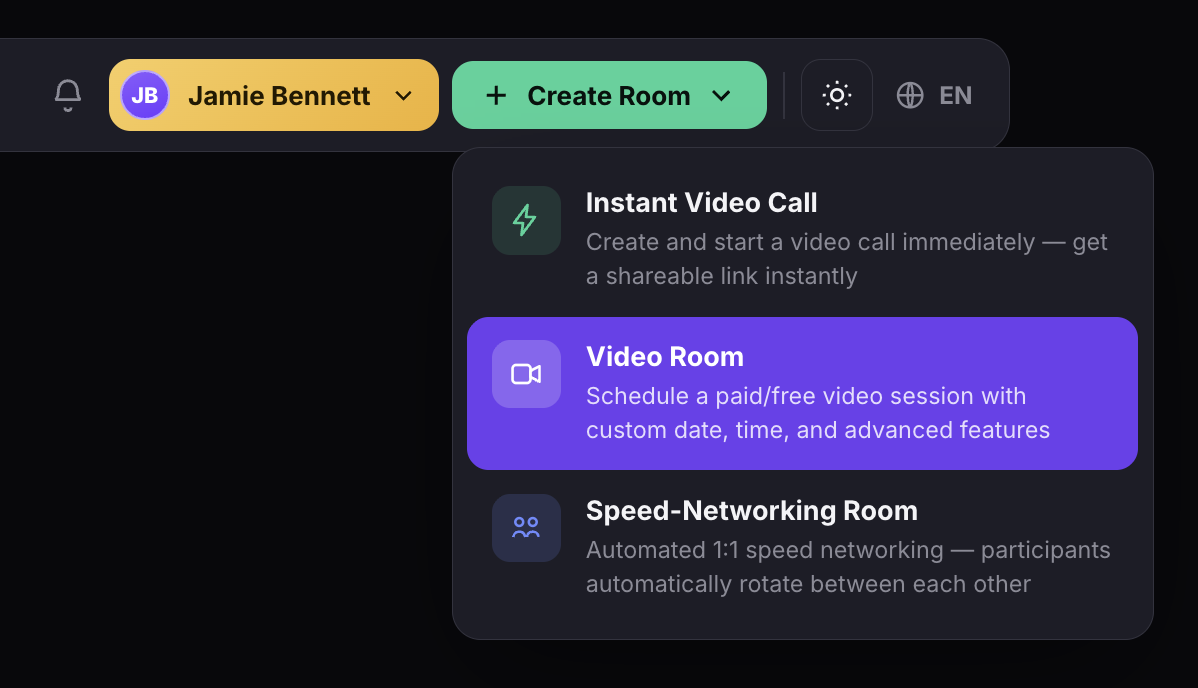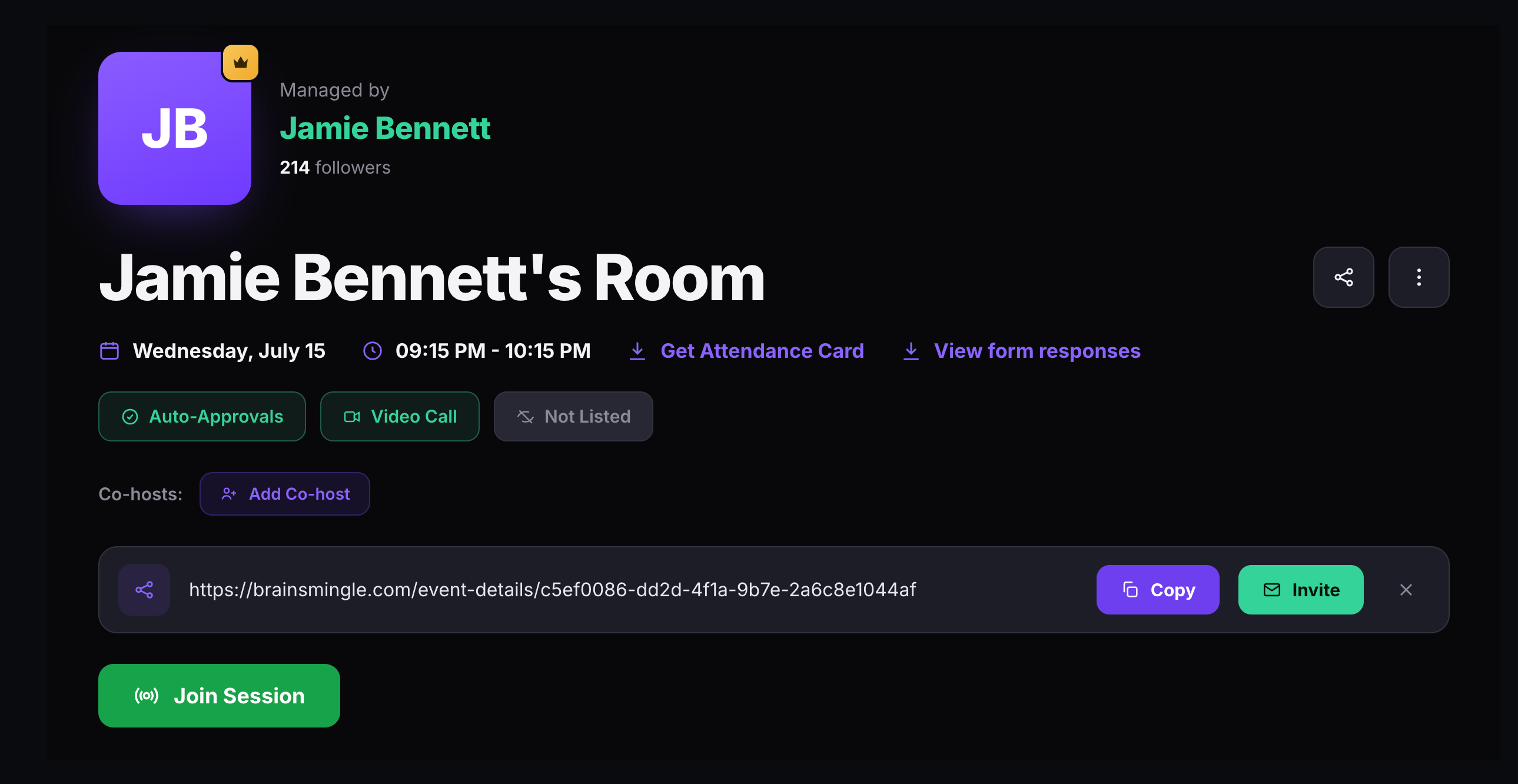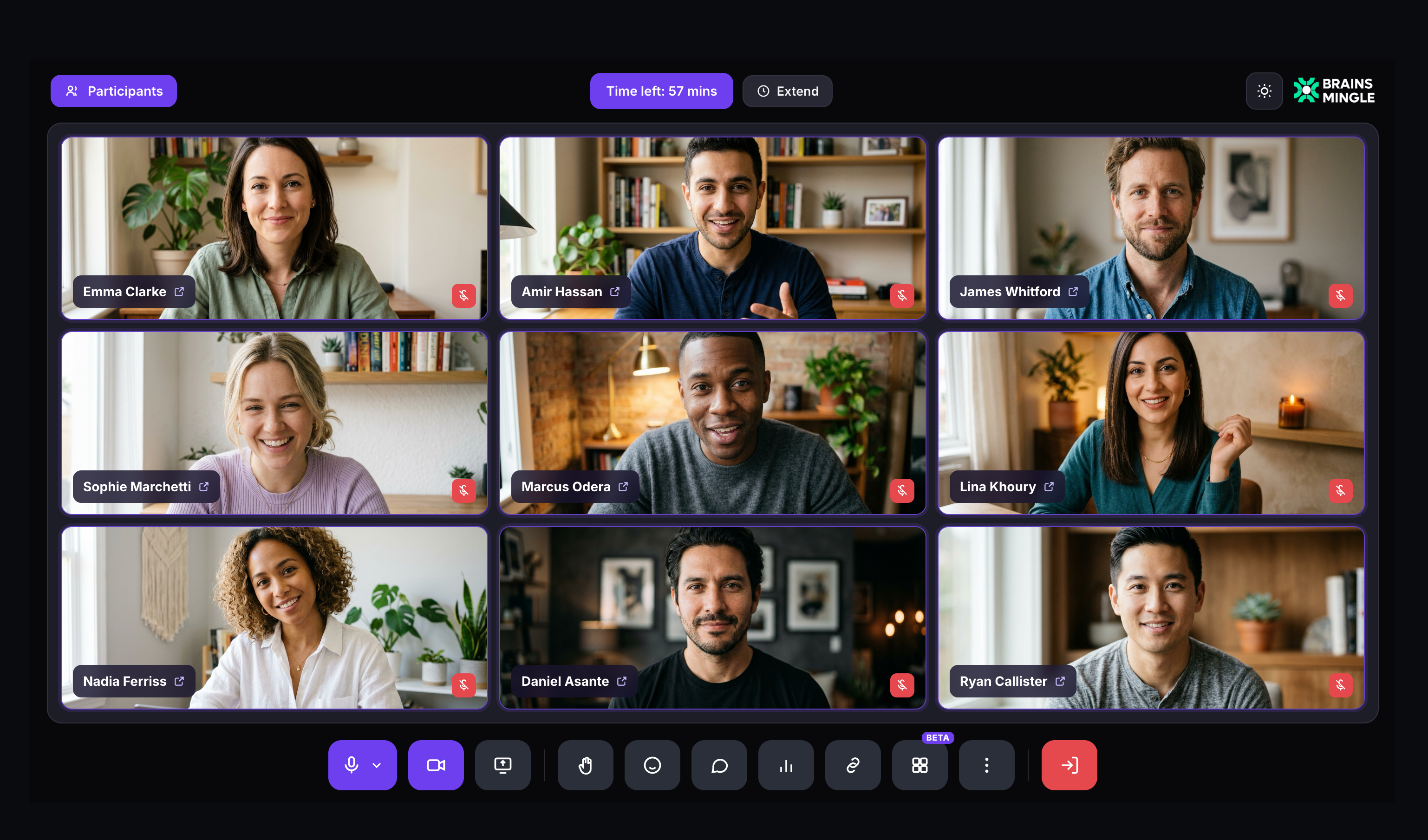
Click + Create Room and choose the format that fits. Every session type shares the same branded experience, toolbar, and recording engine — the only difference is how participants connect.
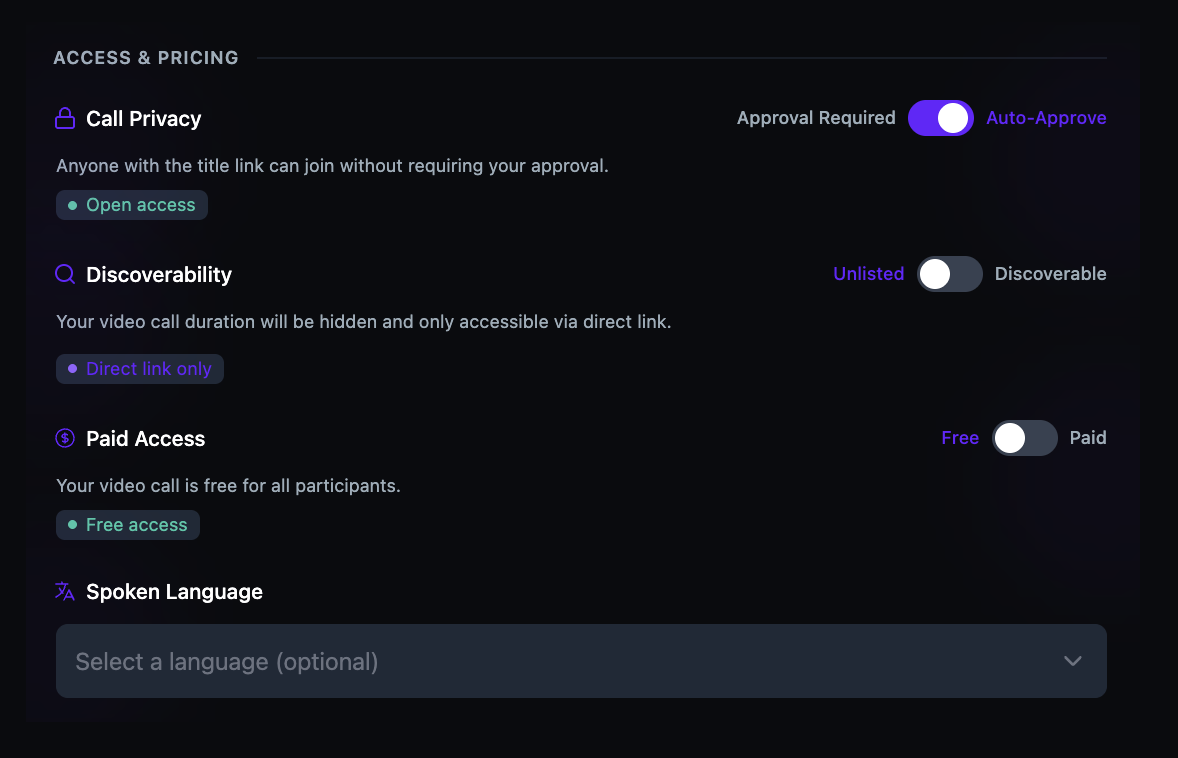
Every session has three independent controls: privacy, discoverability, and pricing. Combine them however you need — a paid discoverable workshop, an unlisted free office hour, or an approval-required paid masterclass.
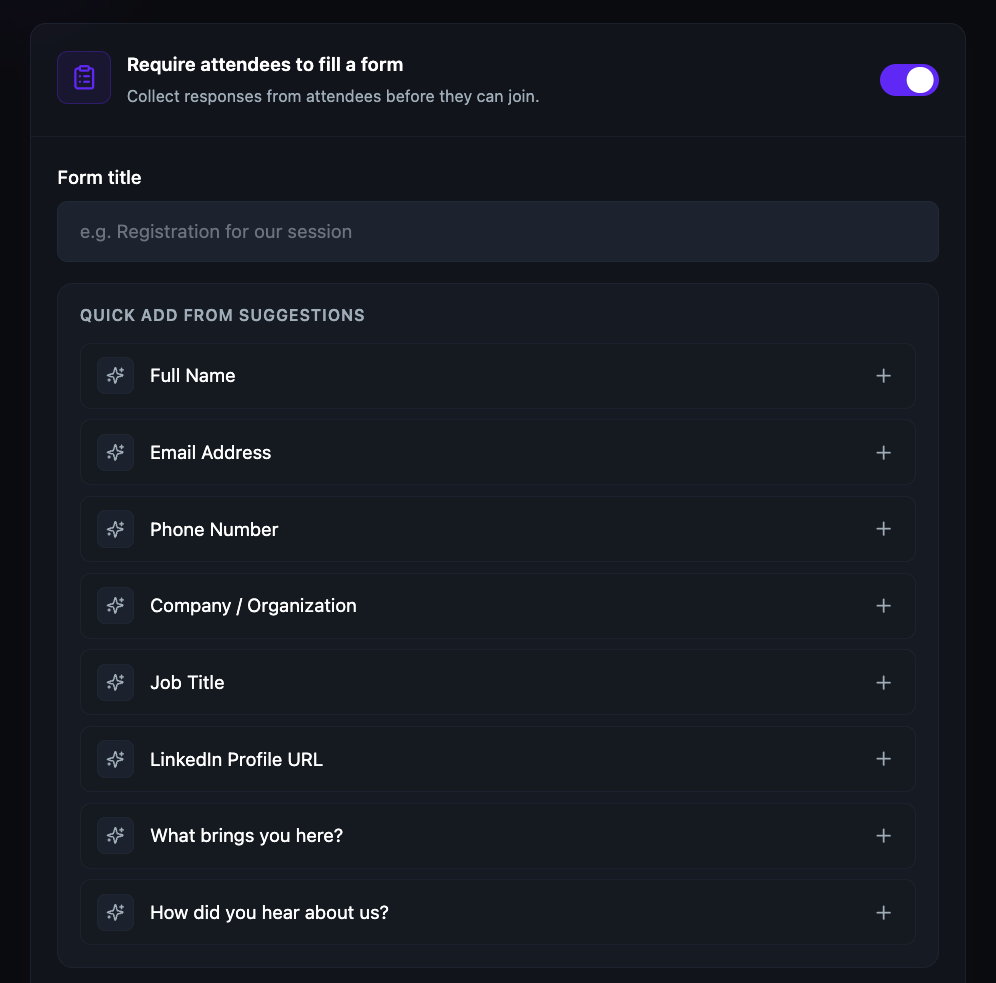
Attach a registration form to any session. Choose from suggested fields — full name, email, company, job title, LinkedIn URL — or add custom questions. Responses are collected and exportable before the session begins.
Instant drop-in calls start immediately — no date, no booking, no registration. Create the room, copy the link, share it, and you're live. Ideal for quick team check-ins, impromptu office hours, or ad-hoc 1-on-1s.
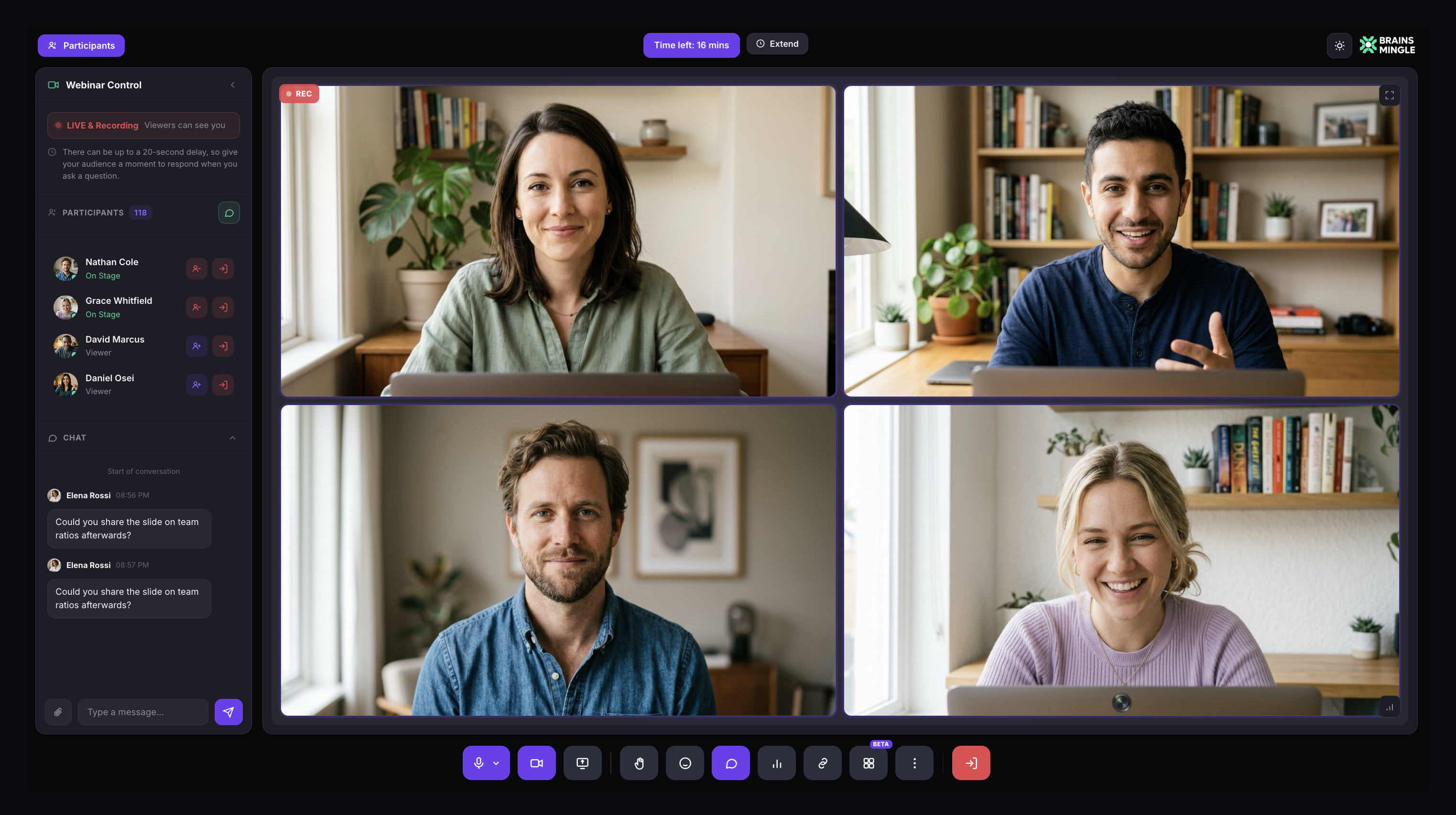
Toggle Webinar Mode on and your session becomes a broadcast. Speakers appear on stage while the audience watches a livestream and interacts through chat. You control who speaks, who's on camera, and when the broadcast begins.
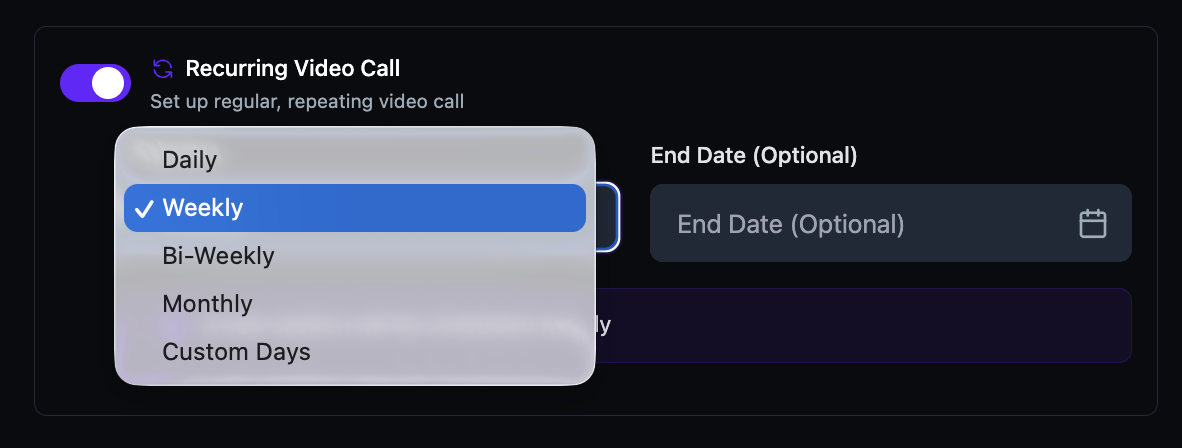
Schedule a session that repeats automatically — daily, weekly, biweekly, monthly, or on custom days. Set an optional end date or let it run indefinitely. Members who register for one occurrence are automatically registered for all future ones.
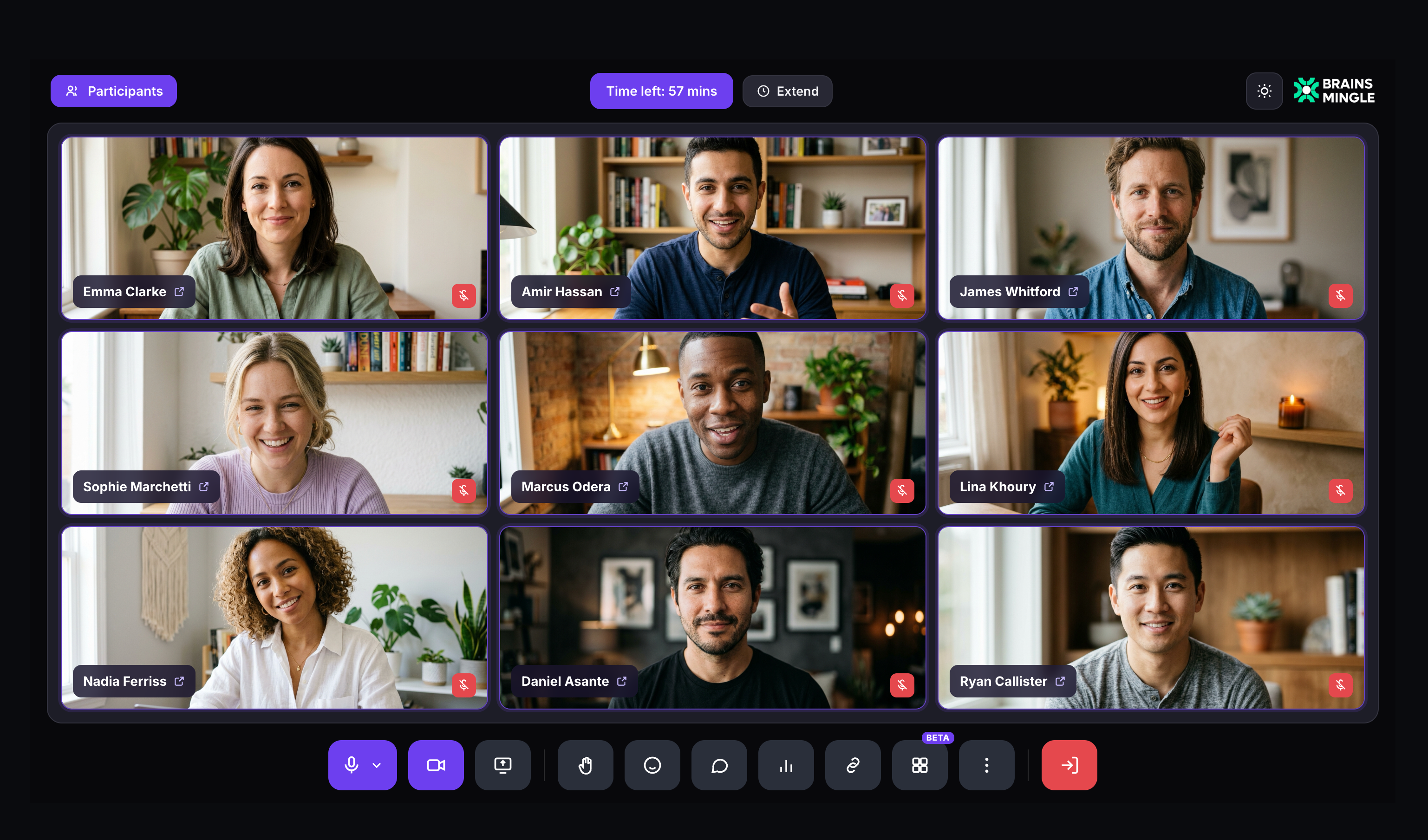
A live session with the chat panel open, organization branding in the top right, session timer, and the full toolbar at the bottom.
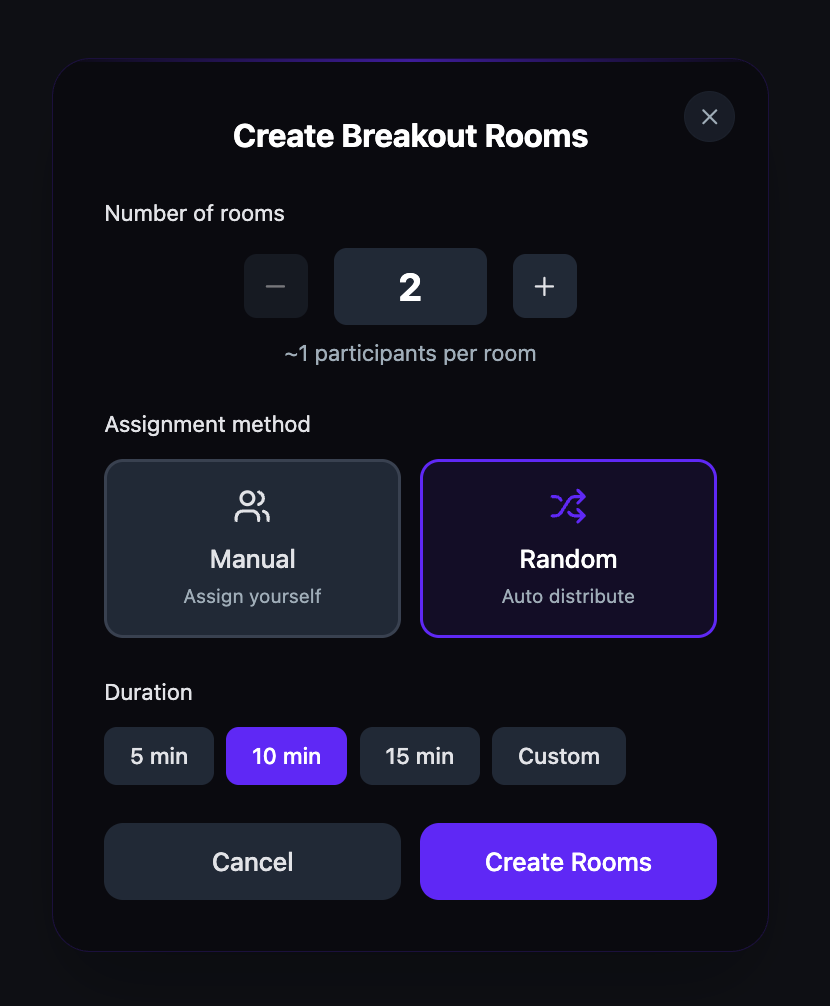
During any live session, create breakout rooms on the fly. Set the number of rooms, choose manual or random assignment, pick a duration (5, 10, 15 minutes, or custom), and launch. Participants leave the main session and join their assigned room. The host stays in the main session and can broadcast messages to all rooms.
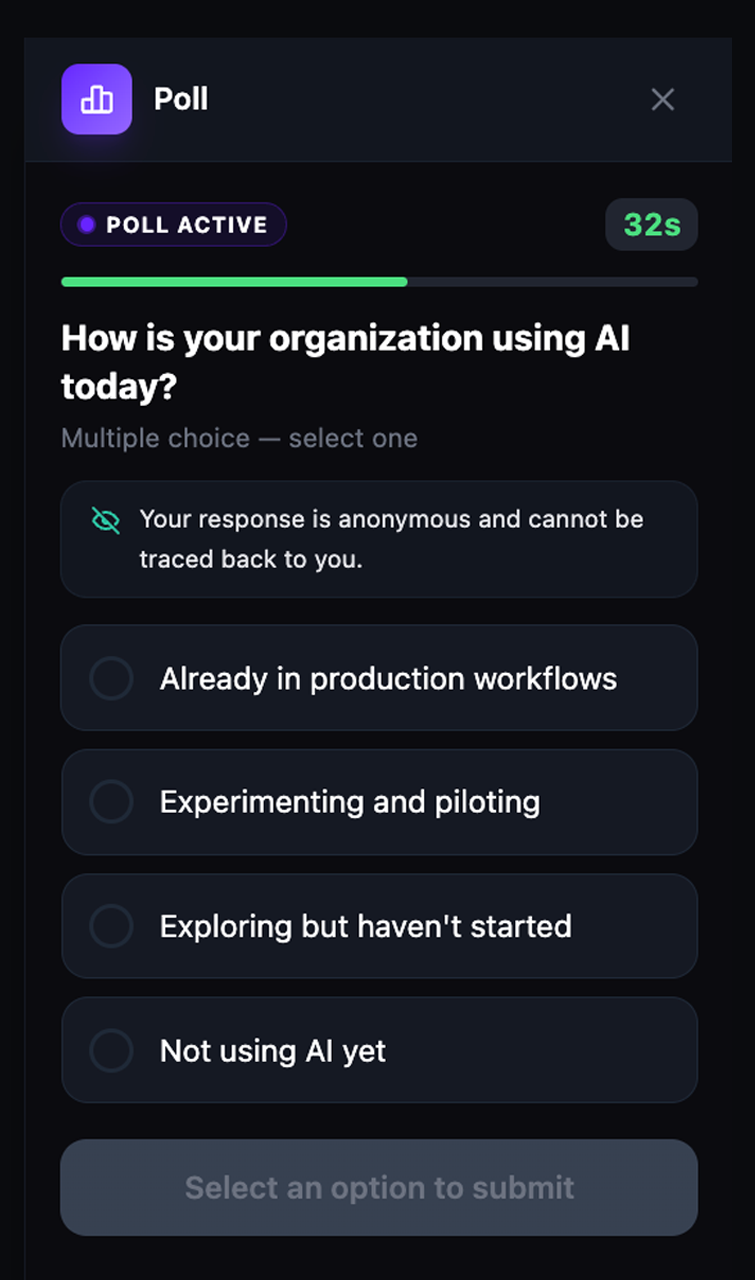
Ask a question mid-session and get instant feedback. Add as many options as you need, choose single- or multi-select, set a countdown or leave voting open, and watch results roll in live — or reveal them only after the poll closes. Save polls to a ready list to launch at the perfect moment.
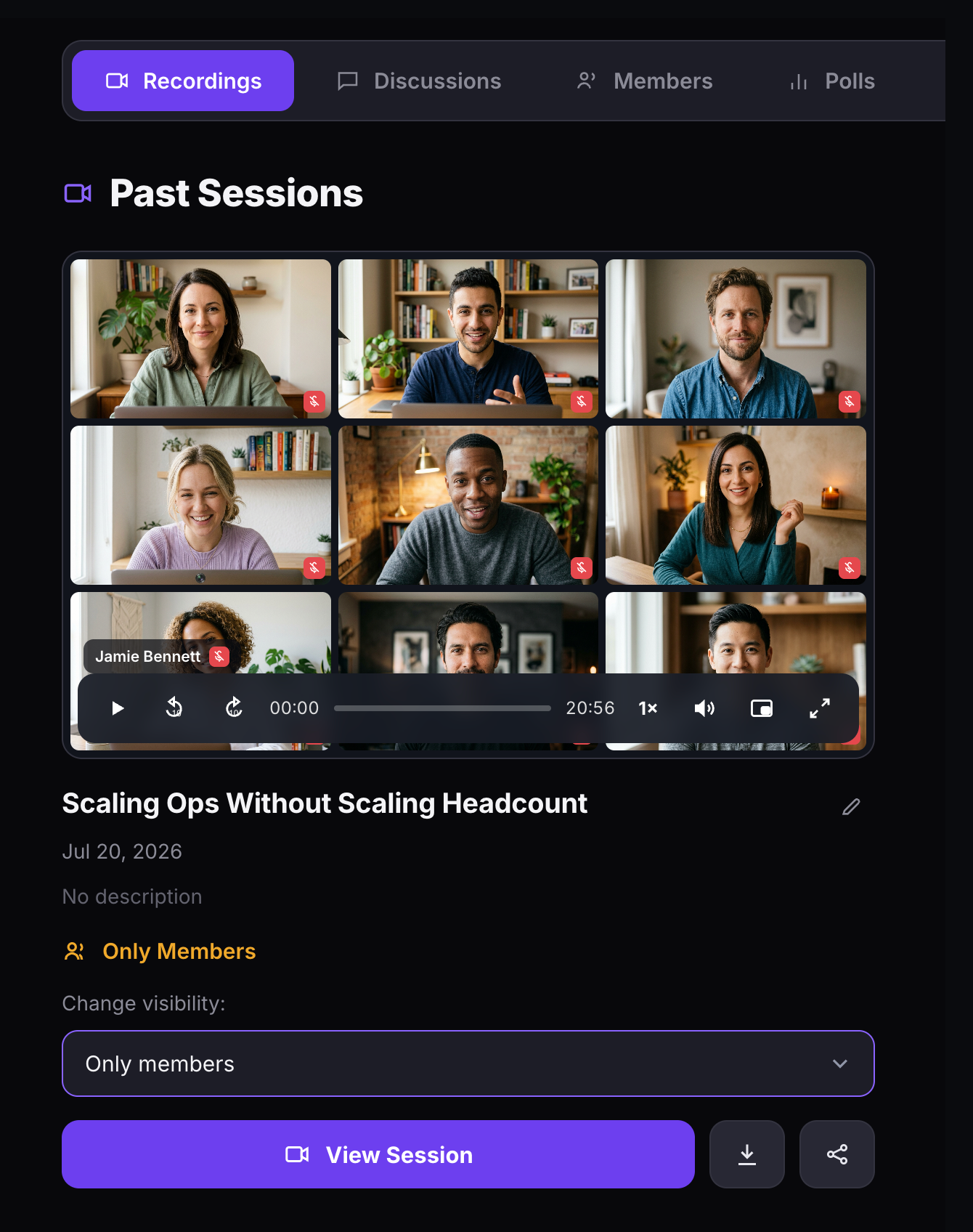
Start recording from the toolbar with one click. After the session, recordings appear on the room detail page where you can control visibility — only you, only members, or public. Play, download, share, rename, or delete recordings from a single interface.
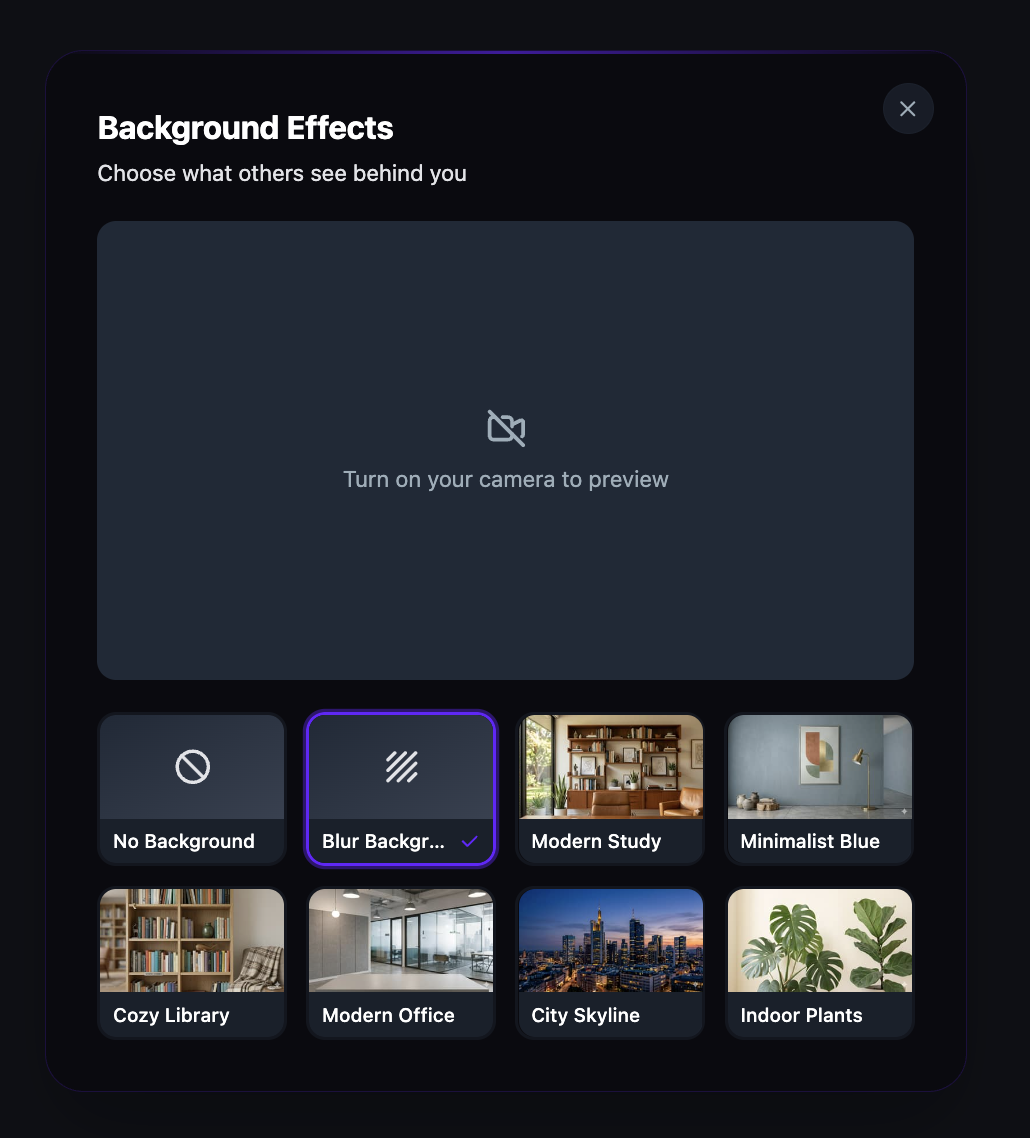
Blur your background or choose from virtual backgrounds — including branded images uploaded by your organization. Everyone shows up looking polished, regardless of where they're joining from.
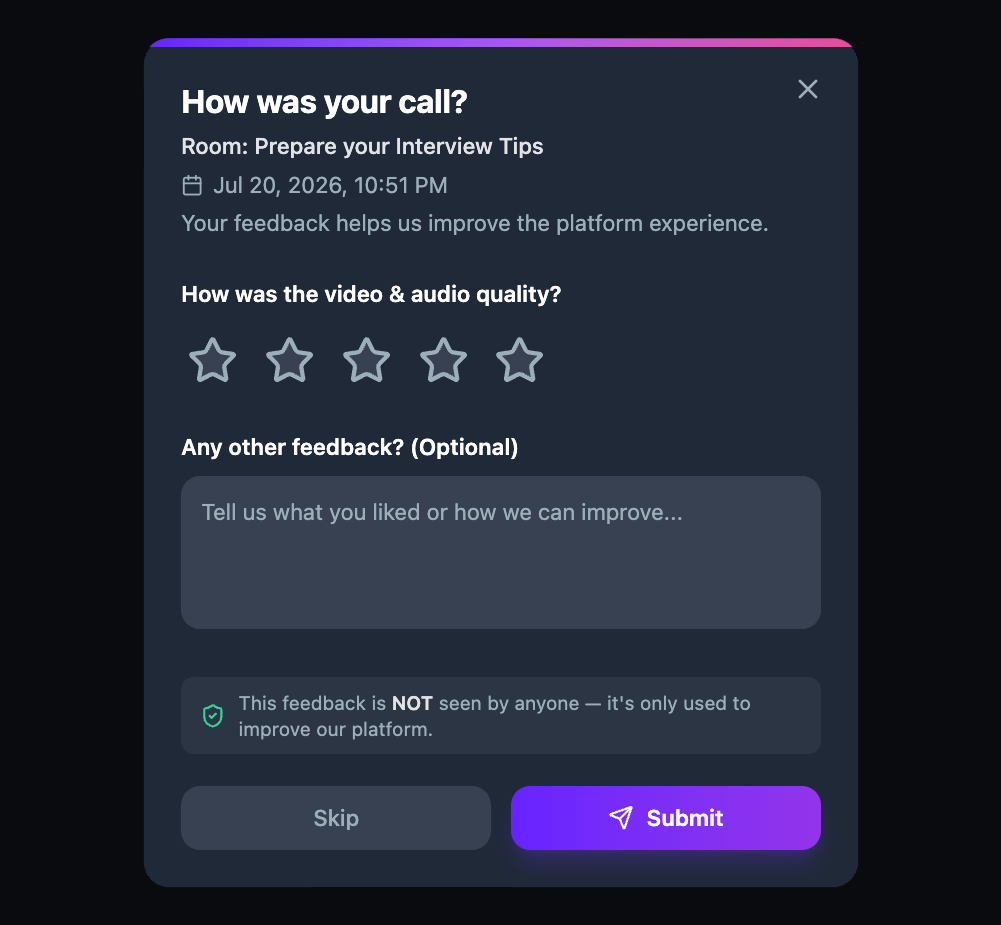
When a session ends, participants see a feedback dialog asking them to rate video and audio quality on a 1–5 scale and leave optional text comments. Feedback is anonymous and used to improve the platform experience over time.