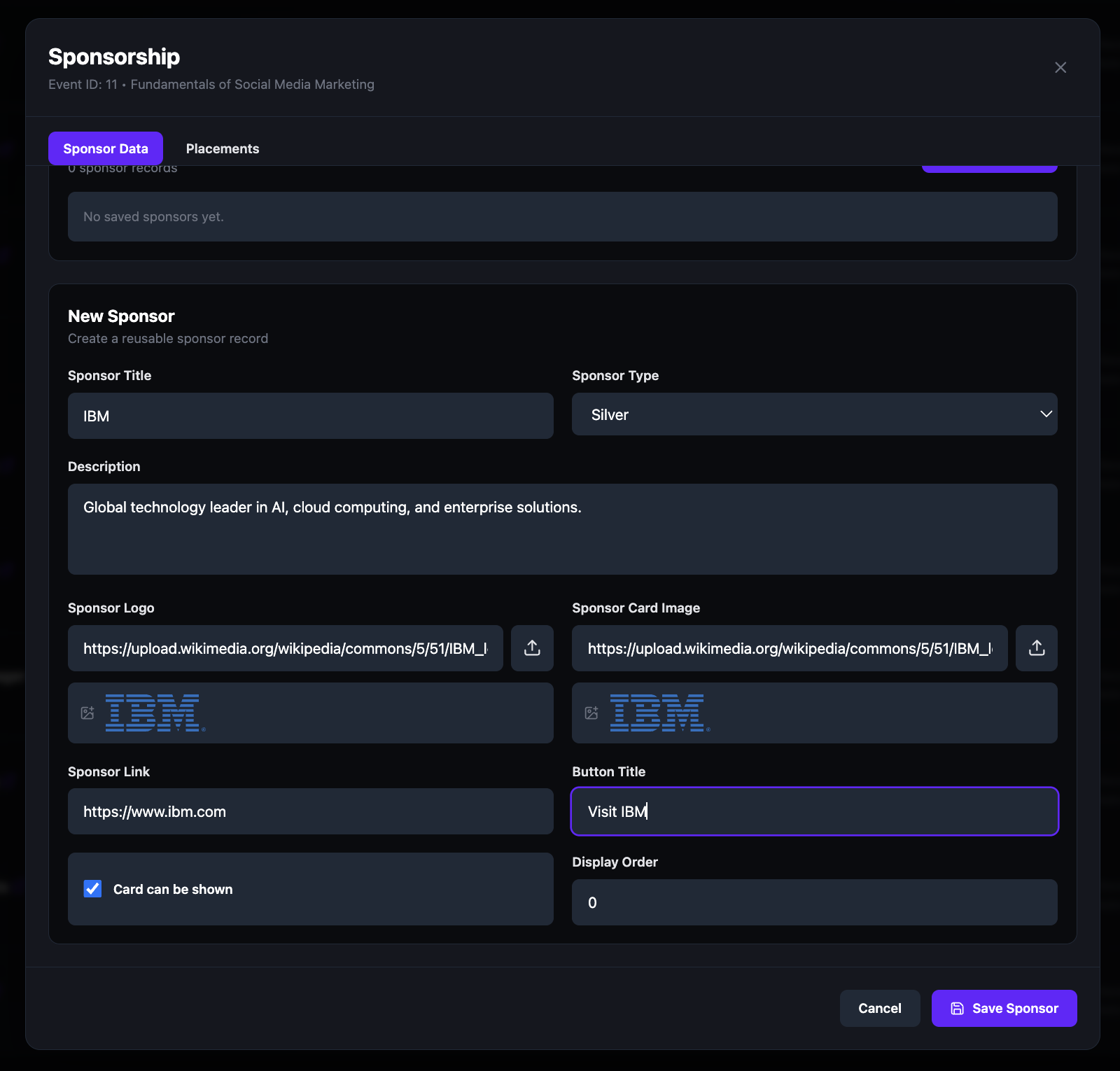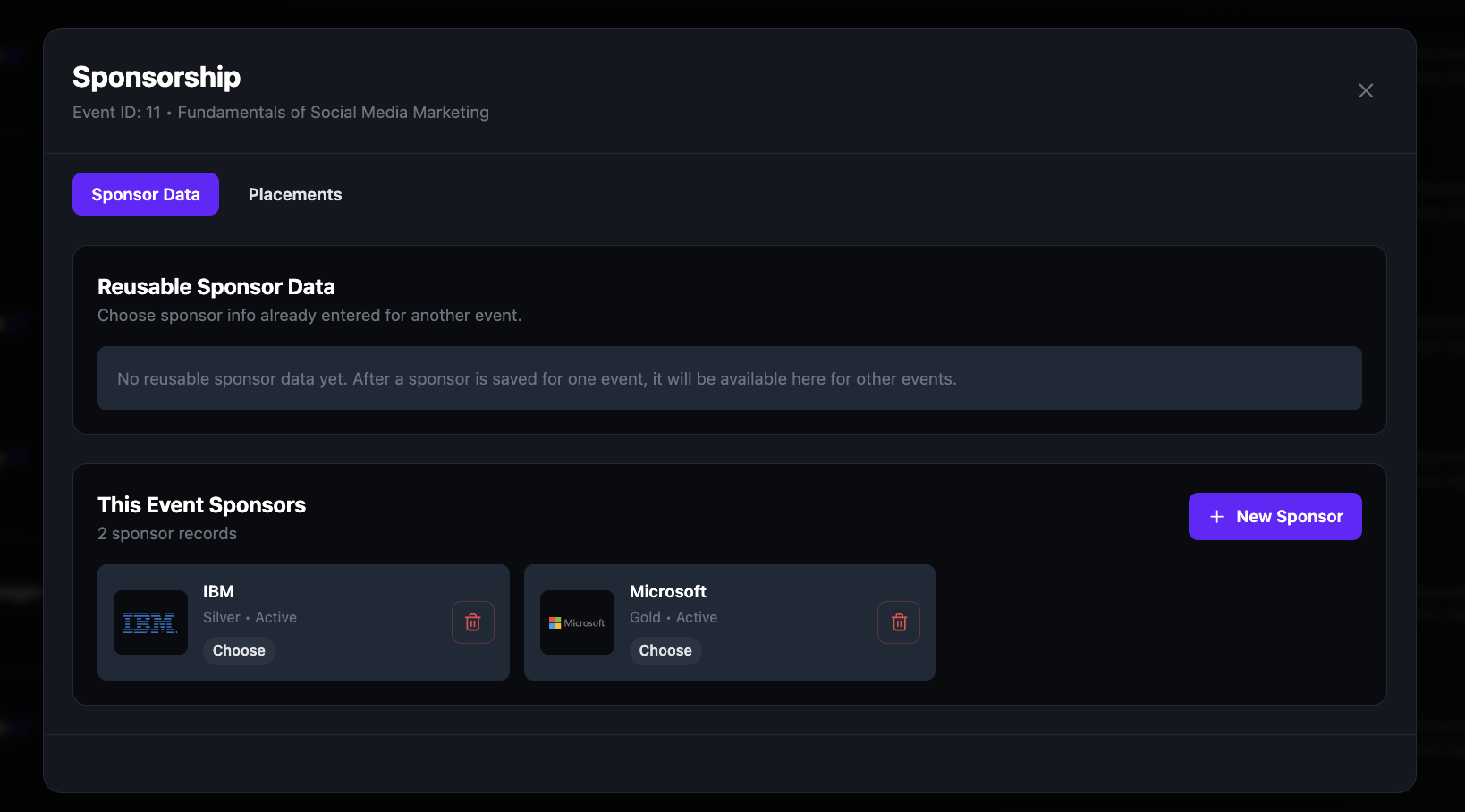
Create sponsor records with full branding — logo, card image, description, link, and a custom call-to-action button. Assign sponsors to any event and control exactly where their branding appears. Sponsorship is built directly into the event tools, so there's no third-party integration or manual workaround to set up.
Assign each sponsor a tier — Gold, Silver, or Bronze — to structure the packages you offer. Add as many sponsors as an event needs, mark each one Active or Inactive, and reuse saved sponsors across future events. Placements are controlled separately, so each tier's visibility is exactly what you decide.
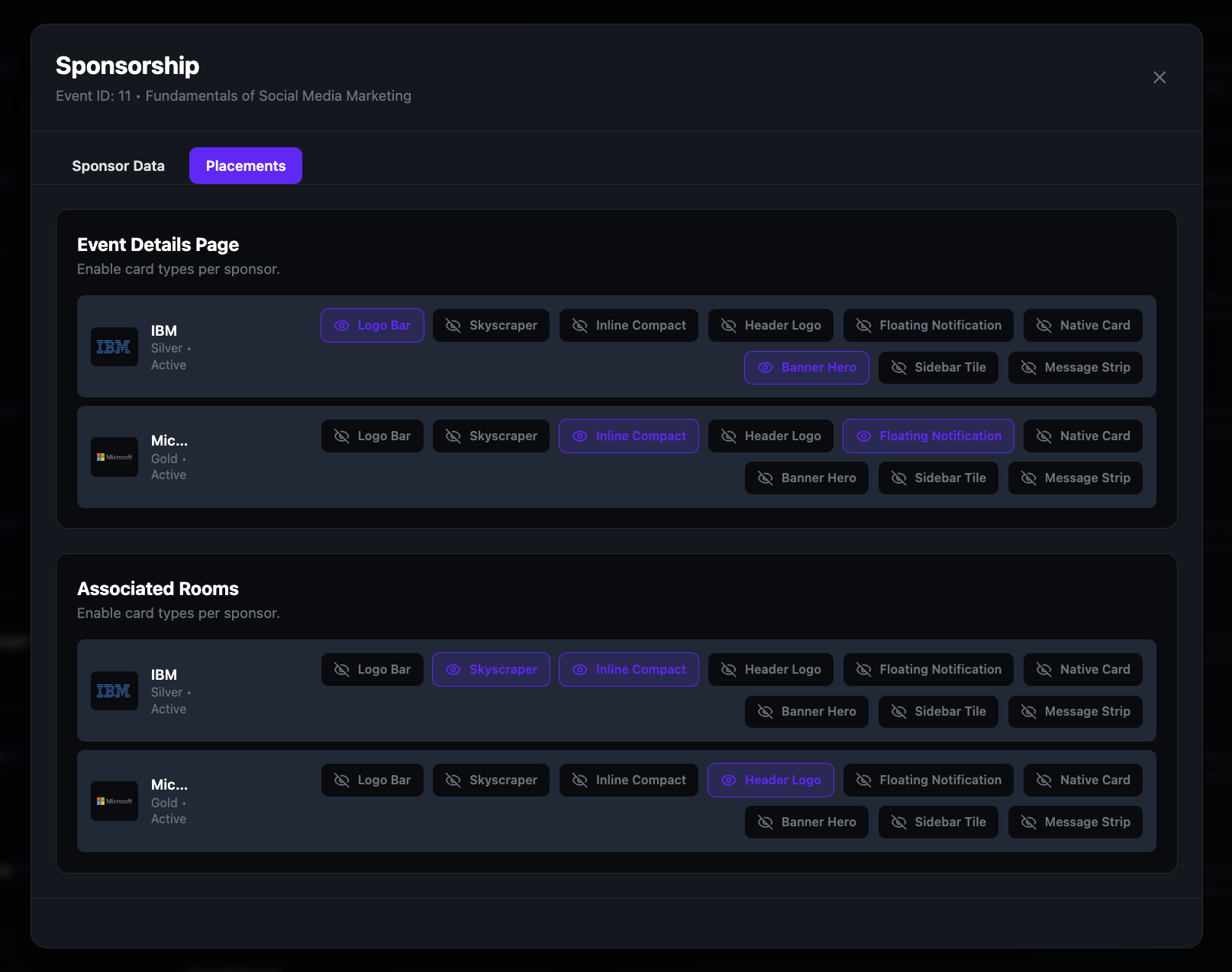
Control exactly where each sponsor appears. Toggle placements independently for the Event Details Page and for Associated Rooms — so a Gold sponsor can have the Banner Hero on the event page and the Header Logo inside the live session, while a Bronze sponsor only gets the Logo Bar.
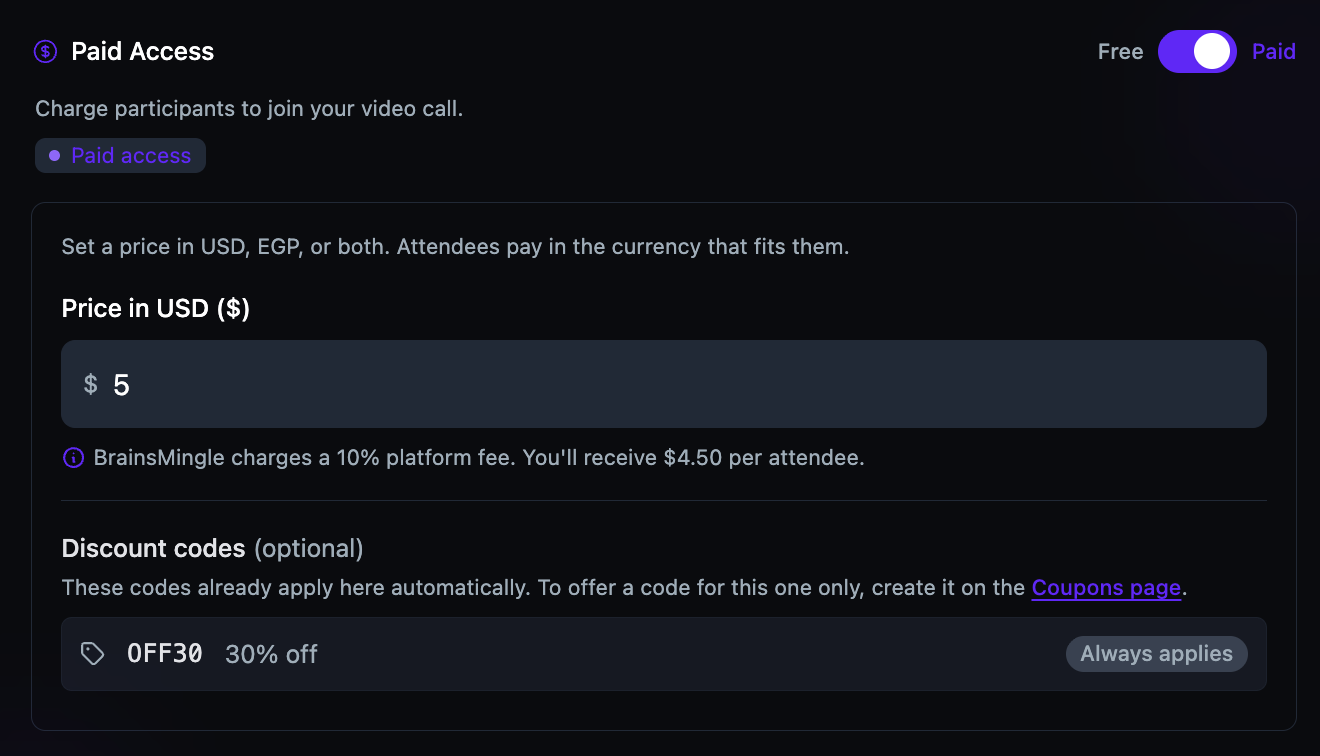
Toggle Paid Access during event creation and set a price in USD, EGP, or both. Attendees pay before they join. The platform handles payment collection, shows the net amount after the platform fee, and the same flow works for video sessions and speed networking rooms.
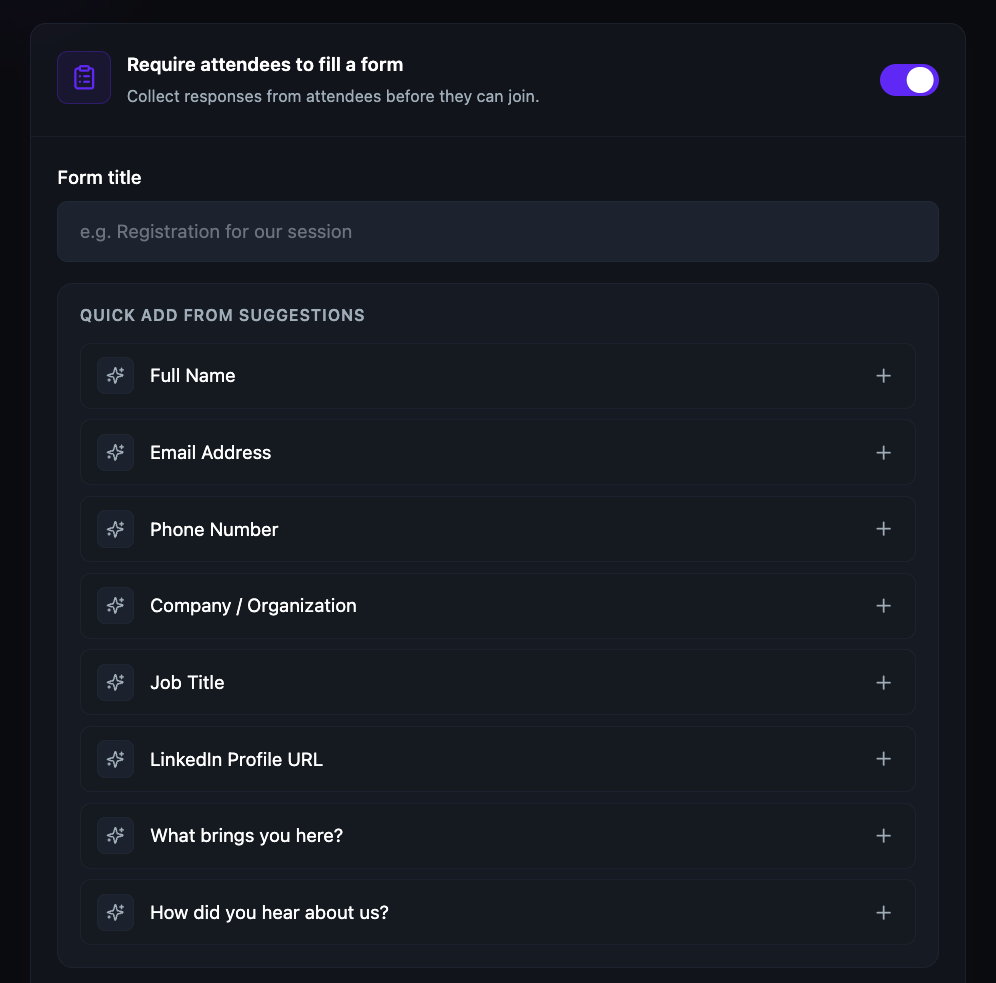
Attach a registration form to any event during creation. Pick from suggested fields — name, email, company, job title, LinkedIn — or add custom questions. Attendees must complete the form before they can join, so you always know who is in the room.
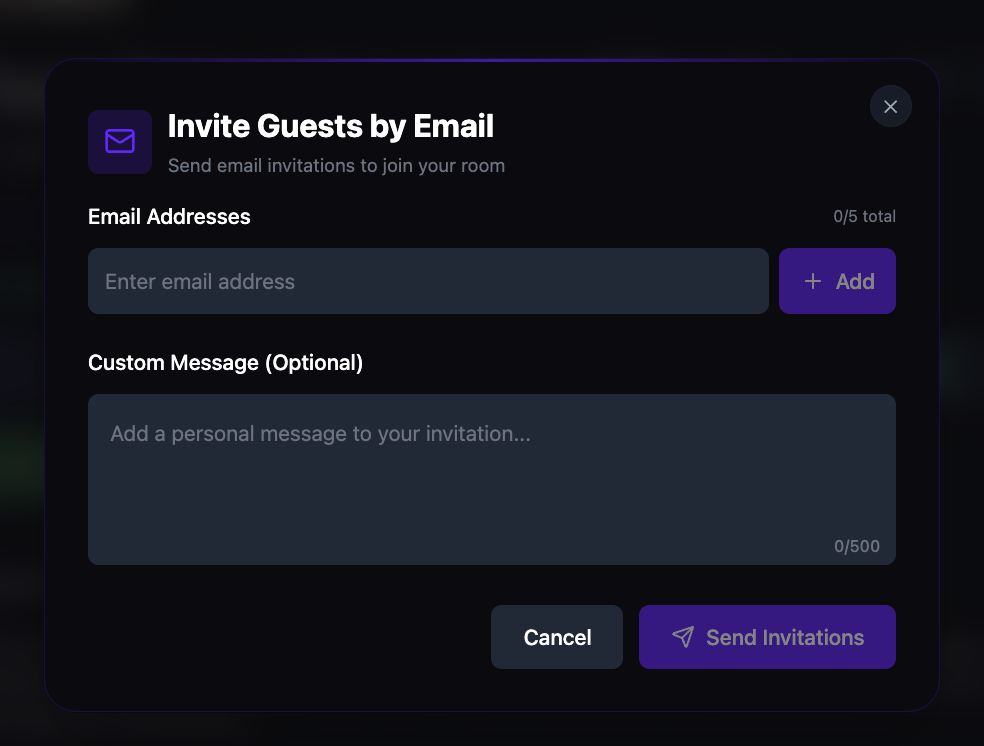
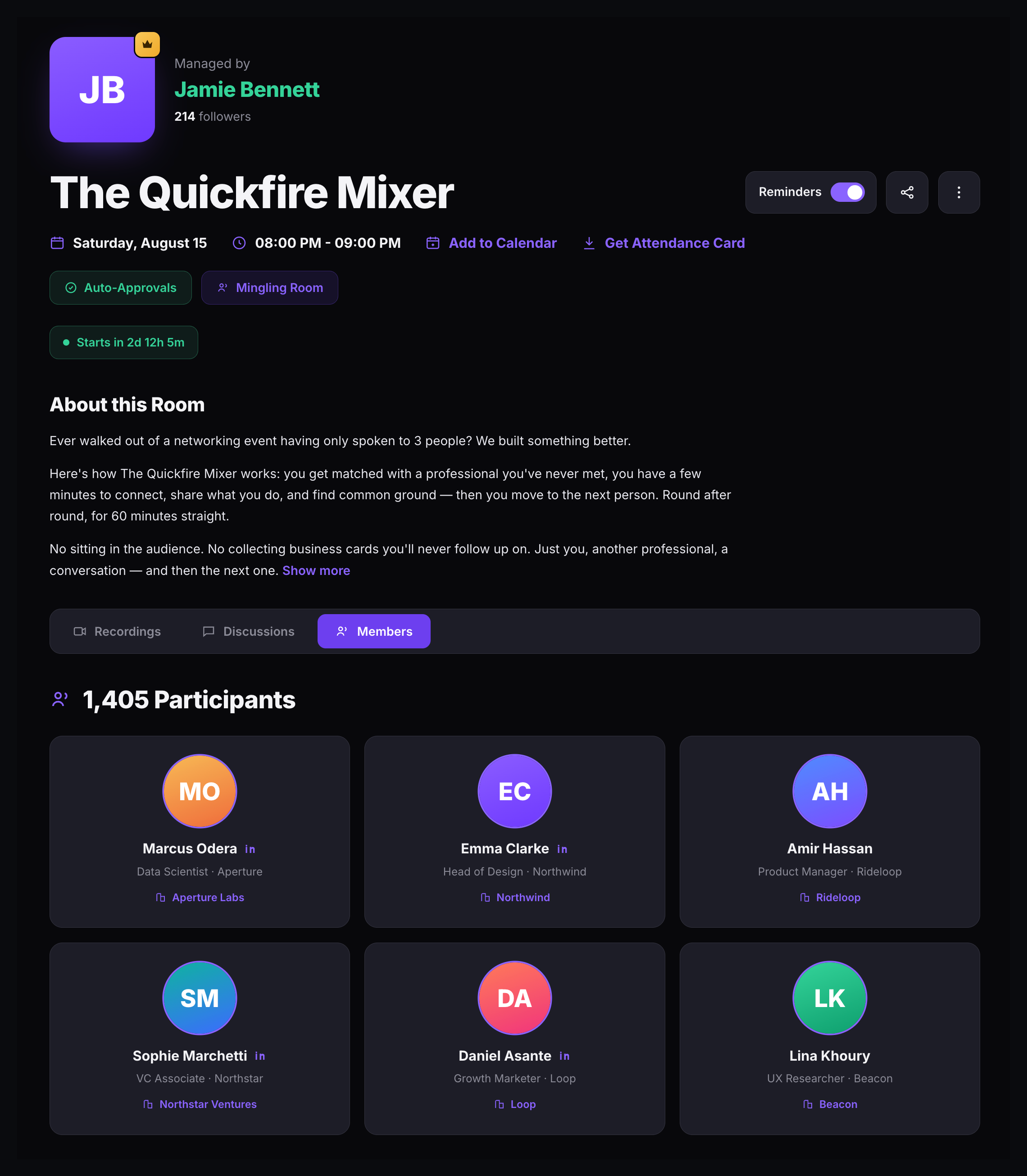
Share the event link with one click, invite participants by email with a custom message, manage the waitlist for approval-required events, and track who has joined. The room detail page keeps participants, waitlist, recordings, and discussions in one place.
Download a branded attendance card from any room detail page — a visual card with event details ready to share on social media, email, or messaging. Combined with the shareable link and email invitations, every event has the distribution tools it needs built in.